


Being stuck in the field with dead batteries kills your productivity and wastes valuable time. You have a power bank, but a standard USB cable won't work, leaving your expensive drone grounded.
You cannot directly charge a drone battery from a power bank. You must connect the power bank to the drone's specific charging hub or charger using a compatible high-power cable (usually USB-C to USB-C or a DC adapter cable).
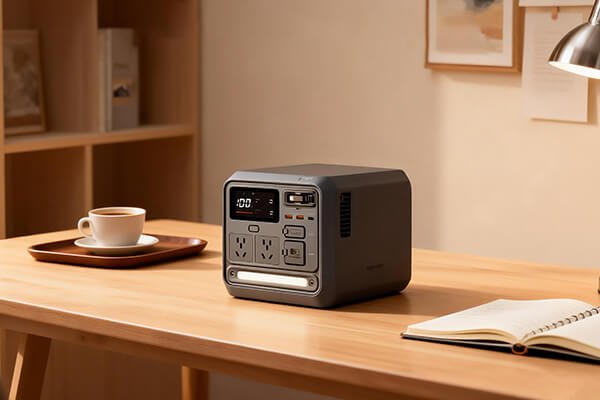
As a battery manufacturer, I often see operators making the mistake of thinking any power bank will work. The key is to understand that the drone's charger is the "brain" of the operation. It's designed to take a power input and safely convert it to the exact voltage and current the battery needs. Your power bank is just the portable fuel tank; the charger is the engine. Getting this connection right allows you to stay operational far from any wall outlet.
What equipment is essential for field charging?
You can't just plug a USB cable into your drone battery. Trying to do so is ineffective and can damage your equipment. This frustration comes from not having the right intermediary components for the job.
You need three key items: a high-power power bank (at least 45W PD), the drone's original charging hub, and the correct cable (either a USB-C to USB-C cable or a USB-C to DC adapter) to connect them.
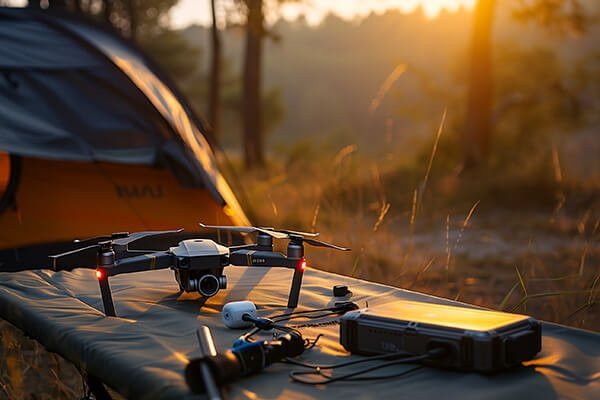
For a procurement manager like yourself, think of this as creating a small, portable power system. Each component must be correctly specified to ensure it works reliably and safely. At KKLIPO, our high-performance batteries are designed to be part of such robust ecosystems. Let's break down the specifications for each piece of equipment.
Your Field Charging Kit
- High-Output Power Bank:
- Power Protocol: It must support Power Delivery (PD) or Quick Charge (QC). For most professional drones, a minimum of 45W output is recommended, with 65W or 100W being ideal for faster charging. An 18W power bank will be too slow or may not work at all.
- Capacity: Look for 20,000mAh (approx. 74Wh) or more. This ensures you can get at least one full charge for a typical commercial drone battery. Remember that FAA and most airline regulations limit power banks to 100Wh for carry-on luggage.
- Drone Charging Hub/Charger:
- This is the official charger that came with your drone. It's the essential "translator" that takes the power from the power bank and delivers it safely to the battery. It will have either a modern USB-C input port or an older-style DC barrel input port.
- The Correct Cable:
- If your charger has a USB-C input: You need a high-quality USB-C to USB-C cable rated for high power (100W cables are best to ensure compatibility).
- If your charger has a DC input: You need a special adapter cable, typically a "USB-C PD to DC" adapter. You must buy one that specifically matches the DC plug size and voltage requirements of your drone's charger.
What is the step-by-step process for connecting everything?
Having the right gear is only half the battle. Connecting it incorrectly can fail to charge the battery or, in a worst-case scenario, damage your equipment. This creates unnecessary risk and frustration in the field.
The process is simple: connect the power bank to the charging hub with the correct cable, insert the drone battery into the hub, and then turn on the power bank. The charging hub's indicator lights will confirm that charging has started.
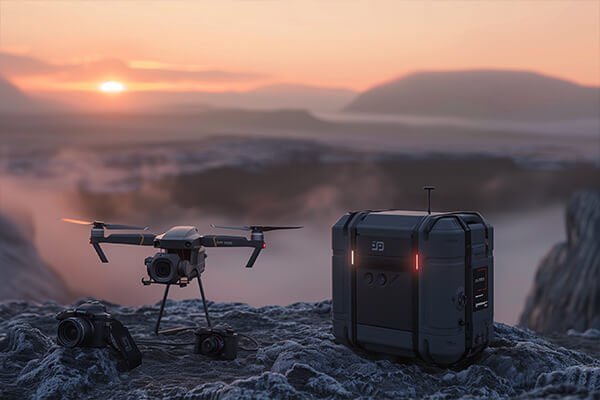
From an engineering perspective, this is a straightforward power transfer chain. The key is ensuring each link in that chain is secure and correctly specified. The most common point of failure is using an incorrect or low-quality cable that can't handle the power delivery. Here’s how to do it right, depending on your charger type.
Process for Modern USB-C Chargers
This is the easiest method and is becoming the industry standard.
- Check Power: Confirm your power bank's output (e.g., 65W) meets or exceeds the charger's input requirements.
- Connect Cable: Plug a high-quality USB-C to USB-C cable into the power bank's output port (often marked "PD" or with an output icon). Plug the other end into the charging hub's USB-C input port.
- Insert Battery: Place the drone battery securely into the charging hub.
- Activate Power: Press the power button on your power bank. The indicator lights on the charging hub should begin blinking, showing that the battery is charging.
Process for Traditional DC Chargers
This requires an extra adapter but follows the same logic.
- Prepare Adapter: Ensure you have the correct USB-C PD to DC adapter cable that matches your charger's plug and voltage.
- Connect Cable: Plug the adapter's USB-C end into the power bank's output port. Plug the DC end into the charging hub's DC input port.
- Insert Battery & Activate: Place the battery in the hub and press the power bank's power button to begin charging.
Are there any critical safety precautions or calculations to know?
Ignoring safety protocols or miscalculating charge capacity can lead to damaged equipment or running out of power unexpectedly. These are costly mistakes that can compromise a mission.
Yes. Always use certified equipment in a ventilated area, and never charge a hot battery. To calculate charging capacity, use this formula: (Power Bank Wh × 0.8) / Battery Wh ≈ Number of Charges. This accounts for energy loss during transfer.
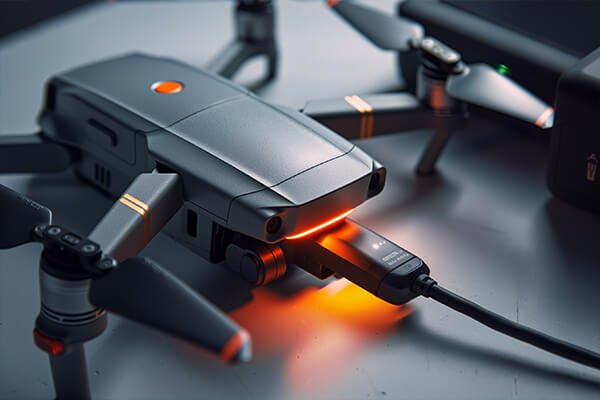
As a professional, safety and predictability are paramount. The "0.8" in the formula represents an approximate 80% efficiency rate for power transfer, which is a realistic expectation due to heat loss and conversion inefficiencies. Planning your power needs with this formula prevents you from being caught short in the field.
Critical Safety & Planning Tips
- Safety First:
- Charge in a dry, well-ventilated space away from flammable materials.
- If any component (power bank, charger, battery) becomes abnormally hot, stop charging immediately.
- Use only high-quality, certified cables and chargers. A cheap cable that isn't rated for high power is a fire hazard.
- Power Matching: Modern PD devices negotiate the correct voltage automatically. However, ensure your power bank's specifications list an output voltage that matches one of the charger's required input voltages.
- Real-World Calculation Example:
- You have a 20,000mAh (74Wh) power bank.
- Your drone battery is 44Wh.
- (74Wh × 0.8) / 44Wh ≈ 1.34 charges.
- This means you can reliably get one full charge and a little extra from this setup. Plan accordingly.
- Time Planning: Charging via a power bank may be slower than using a wall outlet, especially if the power bank's wattage is lower than the charger's maximum rating. Always budget extra time for field charging.
Conclusion
To charge a drone battery with a power bank, you need the drone's charger as an intermediary. Use a high-power PD power bank and the correct cable to ensure a safe and effective charge.